Driving the Unity Game Engine from Python
Uniton lets you control and capture almost everything in any Unity project from Python, without writing any C# or recompiling the project. The goal is to instrumentalize Unity and make it useful outside of games: as a rendering and physics backend for reinforcement learning, robotics, and synthetic data generation.
Two things make this practical. First, you don't have to leave Python or touch the Unity editor's compile loop: every C# object, function, and class is reachable live from a Python REPL, with autocomplete. Second, Unity's clock is under your control, so simulations can run faster than real time, with deterministic stepping and headless rendering straight into NumPy arrays.
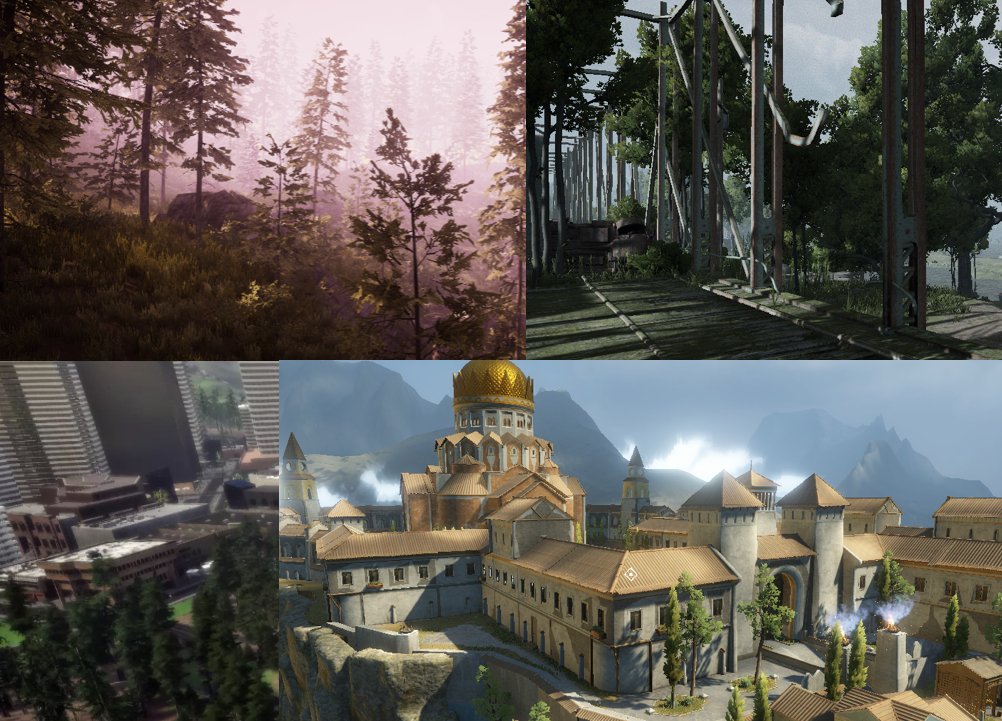
The code lives at github.com/rmst/uniton, along with a set of pre-built environments you can drive straight from Python.
Under the hood, Uniton creates placeholder objects for C# objects and functions. Calling a placeholder returns another placeholder immediately and dispatches the actual call asynchronously, so Python code reads naturally while the round trip to Unity stays off the hot path. Any Unity project becomes a Uniton project by dropping uniton.dll into its Assets folder.